OnTrac “Was Unable to Deliver Your Package” Text: What It Means and What to Do Next
 Import Export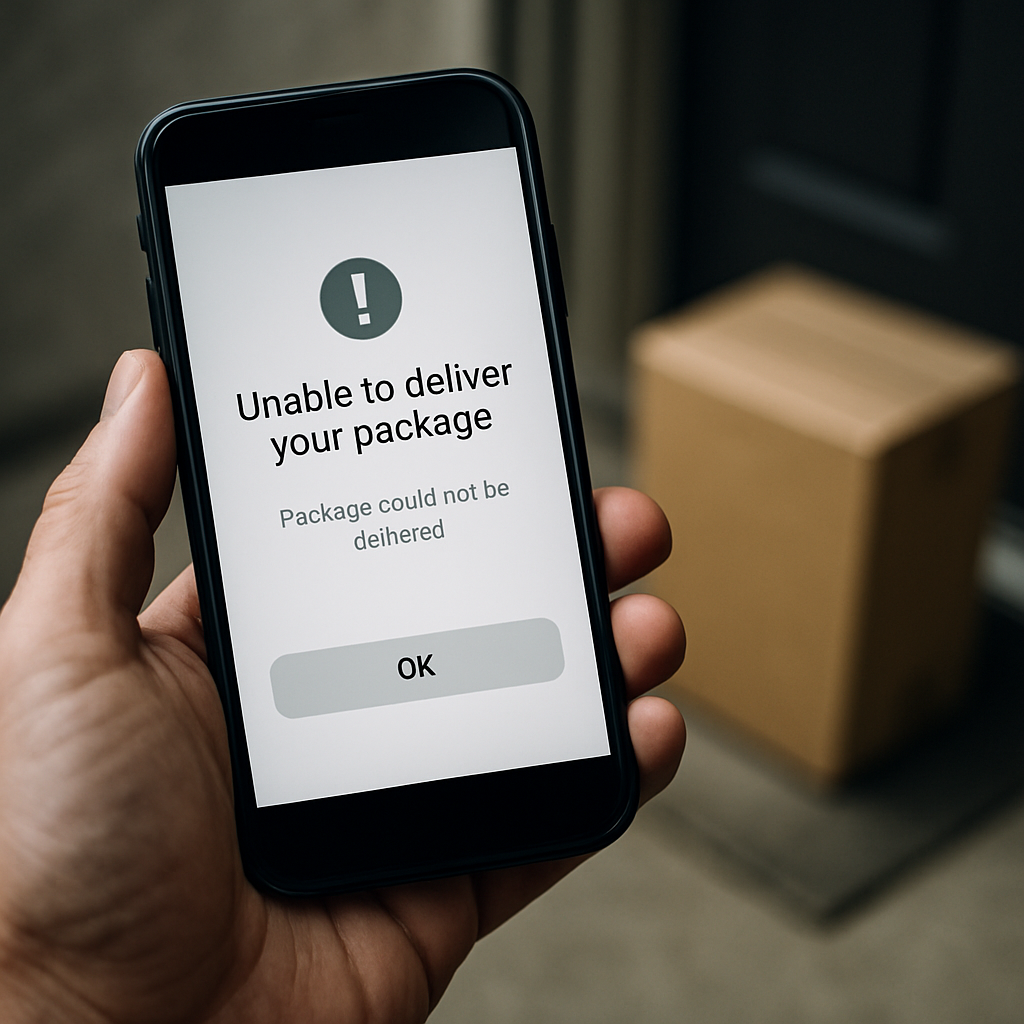
An OnTrac text saying it was unable to deliver your package means the delivery was not completed at that point. By itself, however, the message does not identify the reason, confirm that another delivery attempt will occur, or prove that the parcel is lost, being held, or being returned to the sender. Start by checking the package through OnTrac’s official tracking record rather than drawing conclusions from the text alone.
What an OnTrac “Unable to Deliver” Message Means—and What to Do First
This wording describes an unsuccessful delivery event, not a complete explanation of what will happen next. A text notification may be brief, while the tracking record may contain a newer update or a direction relevant to that specific shipment.
The practical first step is to use the official OnTrac support and tracking process:
- Open the OnTrac tracking page.
- Enter the tracking number associated with the order.
- Select “Track Your Package” to view the latest status.
- Check whether the record gives a newer scan, delivery information, or an option to submit an inquiry.
If tracking does not resolve the issue, OnTrac instructs recipients to submit the form available from the tracking page using the tracking number and their contact details. OnTrac says that submitting the form generates an email with a case number. Keep that case number, along with screenshots of the tracking history and the original order confirmation. The company asks customers to allow up to 48 hours for an investigation and a response with the latest package information and next steps.
It is important not to assume a fixed redelivery schedule, a particular number of attempts, a hold-for-collection arrangement, an address-correction process, or a return-to-sender deadline from this text. The available official guidance supports checking tracking and opening an inquiry, but it does not publish a universal rule for what follows every “unable to deliver” message.
Check the Official Tracking Record Before Relying on the Text
Tracking is the best available starting point for confirming that the message relates to a genuine package and for seeing whether the package has received a more recent scan. OnTrac’s FAQ directs customers to enter the tracking number and choose “Track Your Package” for the latest status.
In carrier terminology, last-mile delivery is the final part of the delivery process: the parcel leaves its final servicing facility and is taken to its final destination, usually a residential or business address. That description explains where the package is in the delivery chain; it is not a promise that a particular scan will lead to delivery at a particular time. For broader context, see our guide to how last-mile delivery works.
Likewise, a tracking status is evidence of a recorded package event, not a complete guarantee of the final outcome. If a scan instead says the parcel is moving through the network, our explanation of what “in transit” means in package tracking can help put that status in context.
Keep “unable to deliver” separate from “delivered”
These are different situations and should not be treated as interchangeable:
| Tracking situation | What it establishes | Best official next step |
|---|---|---|
| Text or tracking says delivery could not be completed | Delivery was not successfully completed at that point; it does not state a universal cause or outcome. | Check the latest official tracking record, then submit an inquiry through the tracking page if the status does not resolve the issue. |
| Tracking says delivered, but the parcel cannot be found | The system shows a delivered status, but the recipient cannot locate the package. | After tracking, choose “Tracking shows delivered; no package” to open an investigation. |
How to Contact OnTrac About an Undelivered Package
For an undelivered package, begin with the tracking-page inquiry rather than relying on an unverified general customer-service number. The inquiry route ties the request to the tracking number and gives you an emailed case number to retain for follow-up.
OnTrac also lists a self-service text option in its FAQ and contact guidance: send “start” to 703-348-8441. This is a text-only service designed to help users track a package or open a case. It is not a voice customer-service number and should not be presented as a live-agent telephone line. OnTrac notes that standard message and data rates may apply; text STOP at any time to opt out.
If you need live-agent assistance, OnTrac directs users to its website and the red chat icon in the bottom-right corner. Have the tracking number, order details, delivery address, dates of relevant tracking updates, and your inquiry case number ready before using chat. Clear records make it easier to explain what has already happened without having to reconstruct the issue.
A sensible record to keep
- The retailer’s order confirmation and the stated delivery address.
- The OnTrac tracking number.
- Screenshots of the text and tracking history, including the dates and times shown.
- The email confirming the inquiry and its case number.
- Any replies from OnTrac or the retailer.
These records do not establish why the delivery failed, but they give both OnTrac and the retailer the information needed to locate the order or decide the appropriate next step.
If OnTrac Tracking Says Delivered but You Cannot Find the Package
A delivered-but-missing parcel has a specific official process. After entering the tracking number, choose “Tracking shows delivered; no package”. According to OnTrac’s support guidance, that selection opens an investigation. Check your email after submitting the inquiry for information about the investigation process.
OnTrac says that if an inquiry has already been submitted and more than two business days have passed without an update or the package being located, the recipient should contact the retailer for next steps and further assistance. The retailer is a key party because it is the seller in the original transaction and may have its own order-resolution procedures.
Do not equate an investigation with a guaranteed refund, reimbursement, replacement, or a particular form of delivery evidence. The available OnTrac material does not establish whether proof of delivery is available, whether it includes a signature, photograph, GPS data, or another record, or how such evidence could be requested. It establishes the investigation route when tracking shows delivered but the package is absent.
For additional general context on this separate type of issue, see our guide on what to check when tracking says delivered but no package is there. Follow OnTrac’s own inquiry steps first when the parcel was carried by OnTrac.
What Online OnTrac Reviews and Reddit Posts Can—and Cannot—Tell You
It is understandable to look for OnTrac reviews, Reddit discussions, Facebook posts, or complaint pages after an unexpected delivery text. Search results commonly contain reports from people who say parcels were delayed, misdelivered, missing, or marked delivered when they could not find them. Those accounts may help explain why other recipients are concerned, but they cannot verify what happened to your individual shipment or establish that one explanation applies to every delivery.
For example, a dated ABC15 report on customer delivery concerns described accounts from interviewed customers who reported late or missing packages and packages shown as delivered but not located. Those are reported experiences attributed to the outlet and its sources, not proof of the status or cause of a current parcel.
Similarly, the BBB complaints page includes an advisory that complaints concerning lost, misdelivered, or undeliverable OnTrac packages may not be processed. That is limited information about the complaint channel; it does not mean every complaint is rejected, determine the outcome of a particular shipment, or establish what remedy a retailer may offer.
Use reviews and discussions as context, not as a substitute for evidence. The productive sequence remains:
- Verify the latest status using official tracking.
- Open the OnTrac inquiry from the tracking page if necessary.
- Save the emailed case number and correspondence.
- Contact the retailer if the inquiry remains unresolved, including at the two-business-day escalation point for a delivered-but-not-found investigation.
Posts alleging theft, fraud, systematic non-delivery, or a facility-wide problem should not be treated as confirmed facts about your package without reliable evidence. A delivery exception can be frustrating, but it does not by itself establish any of those claims.
What Not to Assume From an Unexpected Text
The exact message alone is not enough to determine why you received it, especially if you do not recognize the package or did not place an order. The available official sources do not provide a complete protocol for verifying unsolicited OnTrac texts or distinguishing legitimate notifications from phishing. If a tracking number is provided, the limited safe check is to enter it directly on the official OnTrac tracking page rather than relying on the text’s wording alone.
Likewise, consumer complaints and media reports are not evidence of current litigation. The available material does not provide verifiable legal information that would support a claim about whether OnTrac is being sued. Keep the focus on the shipment record, the official case process, and the retailer’s order support.
Bottom Line
An OnTrac “was unable to deliver your package” text means delivery was not completed at that moment—not that the parcel is certainly lost, returning to the sender, or scheduled for another attempt. Check official tracking first. If it does not answer the problem, submit the inquiry through the tracking page, retain the case number, and allow the stated investigation time. If tracking later says delivered but you cannot find the package, use the separate “Tracking shows delivered; no package” investigation option and contact the retailer if more than two business days pass without an update or the package being located.