How to Get an Amazon Refund Without Returning the Item: When It’s Possible and What to Do
 Import Export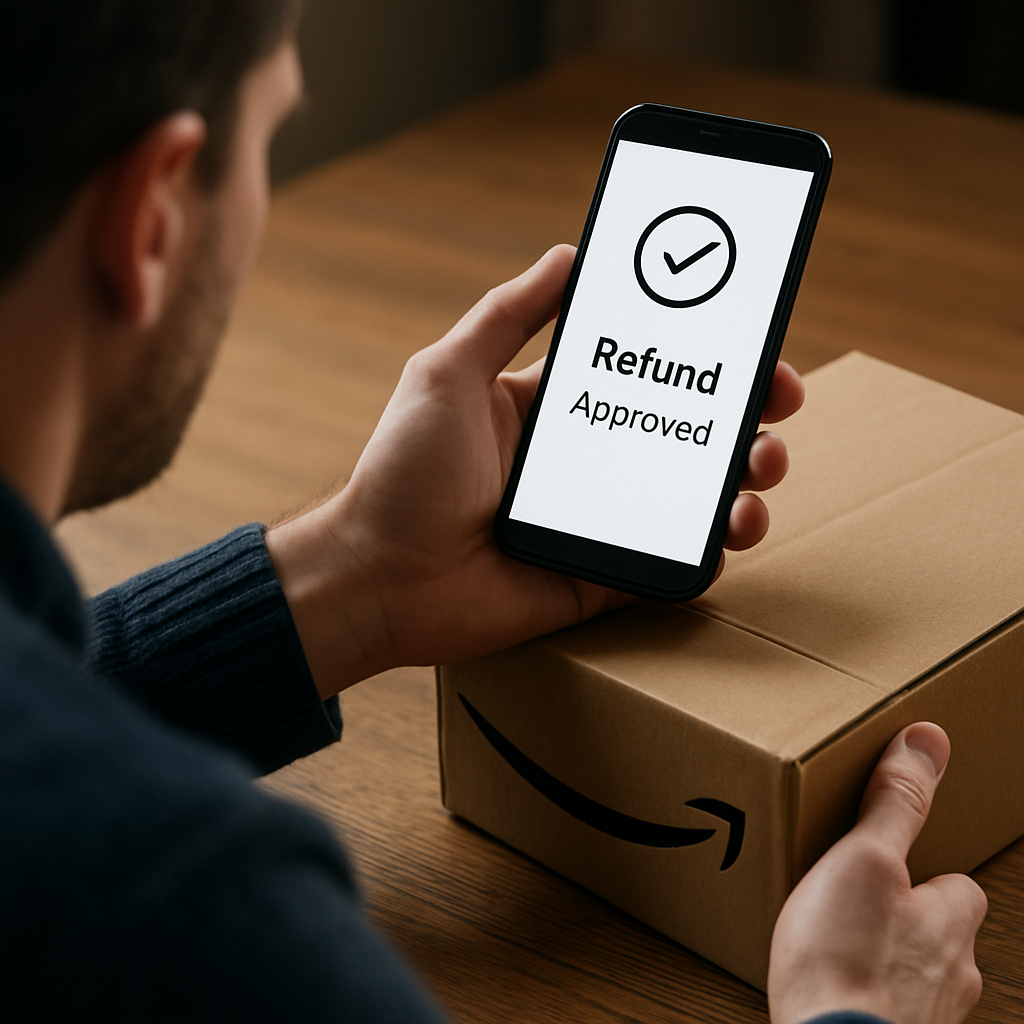
The short answer is: sometimes Amazon may issue a refund without requiring the item back, but it is not guaranteed and is not the normal outcome for every order. Whether this happens depends on the order, the seller or fulfillment setup, the item type, the reason for the refund, and Amazon’s own review of the case. In practice, a no-return outcome is usually an exception rather than the rule, so you should always check the order details, return instructions, refund status, and messages in your Amazon account before assuming you can keep the item.
When Amazon may refund you without asking for the item back
Amazon does not publish a universal public rule saying that every customer can get a refund and keep the item. Based on the evidence available here, the safest way to think about it is that Amazon may sometimes resolve a case without a return if the system or support team decides that is the correct outcome for that specific order.
There are two important practical situations to understand:
- A refund is issued, but the payment does not complete properly. Amazon has acknowledged a small subset of returns where a refund was issued but the payment did not complete. In that situation, the issue is not really about a “free item”; it is about a refund that was started but never successfully reached the payment method.
- Amazon cannot verify that the correct item was sent back. Amazon has also said it reviewed some returns where it could not verify that the correct item had been returned. Again, that is a dispute-handling issue, not a blanket promise that customers can keep every item and receive their money back.
If Amazon or the seller decides that a no-return resolution is appropriate, the refund may be issued without you sending the item back. But that is exception-based, not universal. Do not assume that a partial refund, returnless refund, or reimbursement will apply unless the order-specific policy or Amazon support confirms it.
If you are dealing with a return and want to check whether a no-return outcome is possible, start with the order page, your messages from Amazon, and any return authorisation or refund note already attached to the order.
If Amazon says your refund was issued but you still did not get it
Sometimes the main problem is not whether you had to return the item; it is whether the refund actually completed. A customer can be told that a refund was issued, yet the money never appears on the card, bank account, or payment method because of a processing problem.
This distinction matters:
- Refund issued means Amazon has started or recorded the refund.
- Refund completed means the money has actually reached the payment method.
Amazon’s own public statements, as reported in the supplied sources, describe a small subset of returns where a refund was issued but the payment did not complete. That means the right next step is not to assume the matter is closed; it is to check whether the refund is pending, reversed, or missing from the payment side.
Here is the practical way to check:
- Verify the payment method used for the order. Make sure the refund is expected on the same card, bank account, or gift card balance that was used originally.
- Check your Amazon order history. Look for the refund status, the date it was issued, and whether Amazon shows it as completed or still in progress.
- Review pending authorizations and posted transactions. Some card issuers show a pending refund before the money posts fully, while others take a few business days to update.
- Contact Amazon support if the refund is still missing. If Amazon says the refund was issued but you cannot see it on your side, ask for the refund reference, timing, and payment-method details.
If your bank or card issuer says nothing has arrived after a reasonable processing period, that is strong evidence that you should follow up with Amazon rather than waiting indefinitely.
Amazon refund settlement context: what it covered and why it matters
The supplied sources also mention a class-action settlement involving allegations that some shoppers did not receive a timely or correct refund, or were charged after returning an item. That context is useful because it shows refund disputes can involve both incomplete payments and post-return billing problems.
However, the settlement should be understood as background on refund complaints, not as a general Amazon policy that gives everyone the right to keep an item and receive money back. Amazon denied wrongdoing in agreeing to the settlement, according to the supplied reporting, and the settlement discussion should not be read as proof of a universal no-return refund rule.
In other words, the settlement matters because it highlights that refund handling can go wrong. It does not create a blanket right to a refund without returning the item.
What to do next if you think you should not have to return the item
If you believe your case should be handled as a no-return or returnless resolution, the best approach is to let the order record guide you. Do not ship the item back unless Amazon’s instructions clearly tell you to do so. At the same time, do not assume you can keep the item simply because you would prefer that outcome.
Use this checklist:
- Open the order in your Amazon account and review the return status.
- Look for any message stating that a refund was issued, a return was waived, or the item should not be sent back.
- Check whether the refund is marked pending, issued, or completed.
- Save screenshots or message records if the refund status changes unexpectedly.
- Contact Amazon support if the order page is unclear or if the refund does not arrive.
If you are dealing with a seller-facilitated return rather than a direct Amazon fulfillment issue, it is especially important to follow the exact instructions attached to that order. Marketplace sellers may handle refunds differently, and you should not rely on a general assumption that all orders work the same way.
How this differs from normal return refunds
A normal return refund usually involves sending the item back first, then waiting for inspection or processing before the money is released. A no-return refund, by contrast, is when the refund is authorised without the item being sent back. A third possibility is a refund that is initiated but fails to complete, which creates confusion because the customer may think the matter is already settled when it is not.
The table below shows the difference more clearly:
| Situation | What it means | What you should do |
|---|---|---|
| Normal return refund | You usually send the item back before the refund is finalised. | Follow the return label, tracking, and deadline instructions. |
| No-return or returnless resolution | Amazon or the seller decides the item does not need to be sent back. | Keep the confirmation in your account and do not assume this applies unless it is stated. |
| Refund issued but not completed | The refund appears in the system, but the money does not successfully reach the payment method. | Check the payment method, order history, and contact support if the refund is missing. |
This distinction is the key to understanding how to get Amazon refund without returning item in a realistic way. The answer is not that every customer can do it; the answer is that Amazon may sometimes choose a returnless resolution, but only in specific cases.
How to protect yourself if the refund is disputed
If the refund is delayed, denied, or tied to a return dispute, keep the evidence organised. That is the fastest way to resolve a mismatch between what Amazon shows and what your payment method shows.
- Keep the order number and dates. You will need them for support follow-up.
- Keep screenshots of Amazon messages. These are useful if the return instructions are unclear.
- Keep your card or bank statement. This helps show whether the refund arrived or not.
- Note any tracking or return confirmation. If you did send something back, the tracking record can support your case.
If Amazon support cannot resolve the issue quickly, ask for the next escalation step rather than repeating the same explanation from scratch each time.
A brief comparison with other marketplaces
Different marketplaces handle refund and return decisions differently, so it is a mistake to assume Amazon works the same way as another platform. For example, if you want to understand broader marketplace differences, it can help to review return and refund rules on AliExpress or see how eBay handles refunds and partial refunds. Those comparisons are useful because they show why every platform’s rules should be checked on their own terms.
That said, do not use another marketplace’s policy as proof of what Amazon will do. For an Amazon order, the only safe sources of truth are the order record, Amazon’s own messages, and support confirmation.
When to contact Amazon support immediately
You should contact Amazon support promptly if any of the following happen:
- The order page says a refund was issued, but the payment method has no sign of it.
- Your return instructions are unclear and you do not know whether to send the item back.
- You were told a refund was approved, but then the status changed unexpectedly.
- You believe Amazon charged you again after a return or return dispute.
When you contact support, keep the explanation simple and factual: state the order number, the refund date shown in your account, the payment method used, and what is missing or disputed. That gives support the details needed to check whether the issue is a processing failure, a return verification problem, or an ordinary refund delay.
The bottom line
Amazon may sometimes refund without requiring the item back, but only in exception-based situations and not as a general guarantee. The most important distinction is between a refund that is approved and a refund that actually completes to your payment method. If Amazon says the refund was issued but you still do not have the money, verify the payment method, check the order history, and contact support. If you are hoping for a no-return resolution, wait for Amazon’s own instructions before assuming the item can be kept.
For a customer, the safest approach is simple: follow the order record, keep proof of what Amazon said, and do not treat a returnless refund as automatic unless Amazon confirms it in your specific case.