How to Cancel a Shipping Label: eBay, USPS, FedEx, UPS, and Shopify
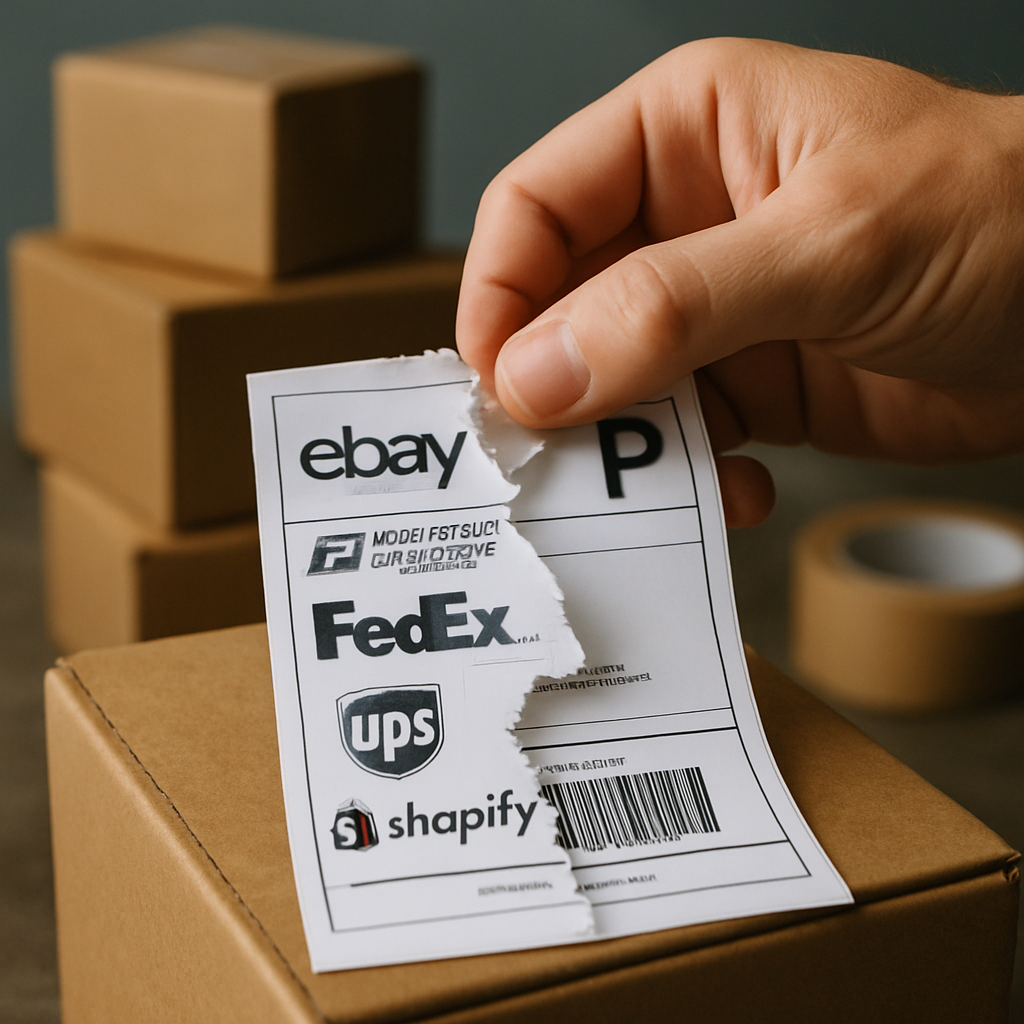
In most cases, you can cancel a shipping label only if it is unused and the platform or carrier still permits a void or refund request. Start in the account where you bought the label, find the shipment in its label history or order page, and look for Cancel Label or Void shipping label. Do not hand the parcel over or allow a QR code to be scanned while you decide: once a label is treated as used, cancellation is usually unavailable.
Is it possible to cancel a shipping label?
Yes, often, but cancelling the label does not stop a parcel that has already entered the carrier network. A label is payment for a shipping service; cancelling or voiding it is normally a request to reverse an unused service purchase. The rules, deadline, and refund process depend on where you purchased it and the service selected.
Before submitting a request, check that you have not:
- given the parcel to the carrier or drop-off location;
- had the label accepted or scanned;
- used a QR code to print the label at a participating drop-off point; or
- printed a label type whose terms exclude cancellation after printing.
If the shipment has already been accepted, the practical next step is usually to contact the carrier or selling platform about delivery options. Voiding the label is not a recall service and should not be relied on to intercept a parcel.
How to cancel a shipping label on eBay
For an unused label bought through eBay, go to Shipping Labels in Seller Hub or Manage shipping labels in My eBay, locate the relevant shipment, select Cancel Label from the Actions column, choose a reason, and send the request. eBay’s shipping-label cancellation guidance sets out this route.
On the eBay app, open Selling, then Orders, choose the order, open Manage shipping, and use the three-dot menu to view available label actions. This is useful when you need to cancel a label away from Seller Hub, but the action will only appear if the label remains eligible.
Why won’t eBay let me cancel a shipping label?
eBay may not offer cancellation because the label has been used, is outside the permitted cancellation window, or belongs to a label type with different terms. In particular, eBay says that a QR-code label scanned at a participating drop-off point is considered used and cannot be cancelled. It also says eBay Standard Envelope labels cannot be cancelled once printed.
For unused USPS, FedEx, and UPS labels purchased on eBay, eBay states that you have 28 days to submit a cancellation request. Carrier approval or rejection of the refund can take up to 21 days, and an approved refund is credited to the original funding source. Check the order and label history carefully before buying a replacement so that the tracking number and fulfilment record remain accurate.
Can a USPS, FedEx, or UPS shipping label be refunded?
It may be refundable when it is unused and cancelled under the rules of the service through which it was bought. The key point is that the marketplace or shipping application that sold the label normally handles the void request; buying a USPS, FedEx, or UPS service through eBay or a shipping platform does not necessarily mean you should begin with the carrier directly.
For example, eBay’s 28-day rule applies to unused USPS, FedEx, and UPS labels purchased on eBay, not automatically to labels bought elsewhere. ShippingEasy likewise says its cancellation and refund rules vary by carrier. Its guidance states that a USPS label paid for through ShippingEasy One Balance must be purchased within the previous 28 days and must not have moved beyond “Accepted” on a USPS SCAN form to qualify for a refund request. Review the platform’s label-cancellation requirements before assuming a credit will be issued.
Void a shipping label in Shopify
Shopify uses the term void. If the label is eligible, you can void it, correct the order details, and purchase a replacement label. From the order on desktop, open the fulfilled section, use the label menu, choose Void label, select a reason, and confirm. In the Shopify app, the equivalent option is Void shipping label.
Shopify’s instructions for changing and voiding labels also cover voiding labels from the Shipping labels page and dealing with labels in bulk. If insurance was bought with the label, the confirmation option refers to voiding both the label and insurance, so review the confirmation screen before proceeding.
What to do after cancelling a label
First, confirm that the cancellation or void request appears in your shipping history. A request is not always the same as an approved refund. Keep the original label record until the platform confirms the outcome, especially if you need to reconcile postage costs or explain a tracking-number change to a buyer.
- Correct the address, weight, package dimensions, service, or order details that caused the error.
- Buy and print the replacement label only after checking the revised information.
- Update the order’s tracking details if the platform does not do so automatically.
- Use only the replacement label, and securely destroy the unused one to avoid a mix-up at dispatch.
For sellers shipping across borders, check the replacement label and the accompanying customs information together. A fresh label may fix postage or routing, but it does not correct an inaccurate commercial invoice, declared value, or commodity description. Treat the label cancellation as one part of correcting the shipment before it is handed to the carrier.