
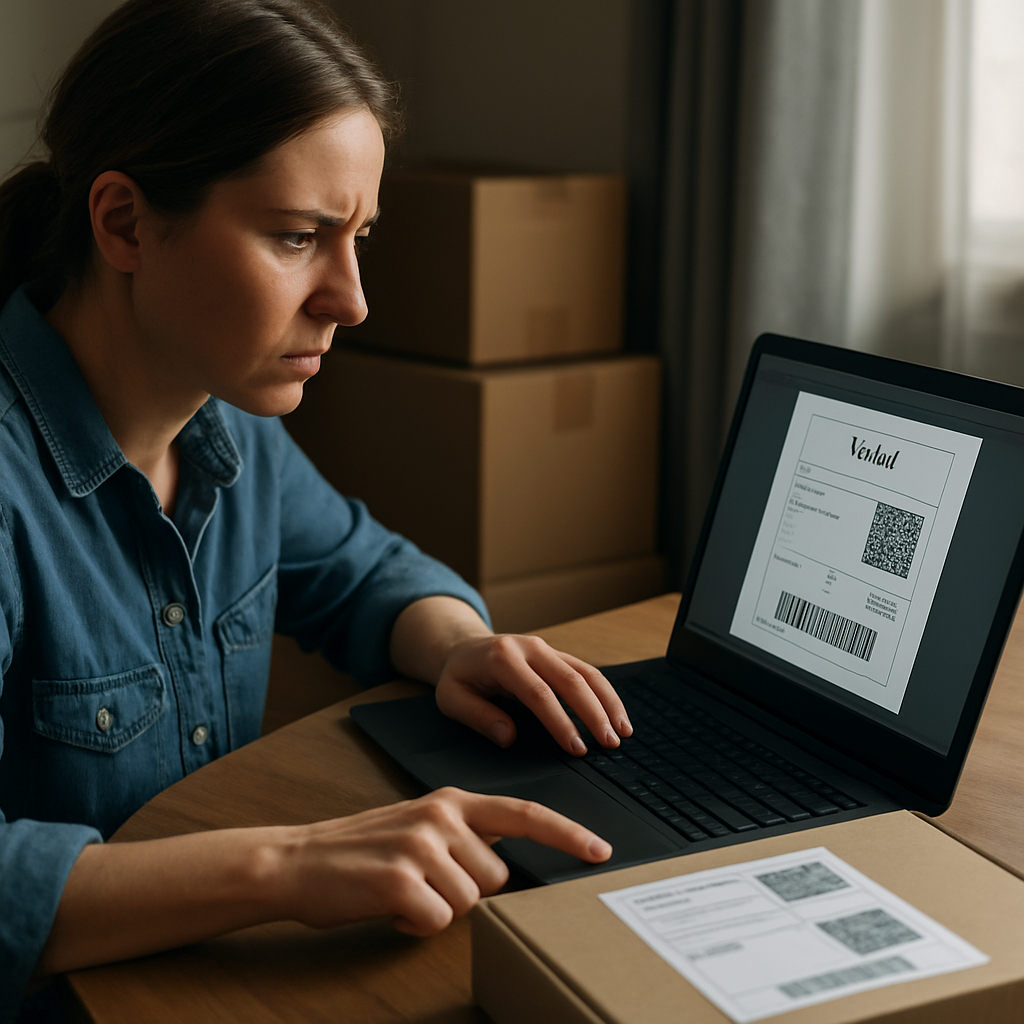
If Vinted is showing a shipping label error today, start with the quickest checks first: see whether other users are reporting the same problem, try downloading the label again on a different browser or device, check your email and spam folder, and confirm the buyer’s order details look correct. If the issue seems widespread, it is often temporary and may resolve after a short wait. If it only affects one order, the cause is more likely to be the app, browser, email delivery, or order details.
In this guide, we’ll walk through the most common Vinted shipping label issues today, what each symptom usually means, and the fastest fixes to try before you risk missing your dispatch deadline.
Quick fix checklist for Vinted shipping label issues today
- Check whether Vinted appears to be having a wider issue, not just a problem with your order.
- Try the label again in a different browser or on a different device.
- Look in your inbox, spam, and junk folders for the label email.
- Confirm the buyer’s delivery details and shipping method shown on the order.
- Force close the app, log out and back in, or clear the app cache if the label still will not load.
- Contact Vinted support with a screenshot if the label still cannot be generated after basic troubleshooting.
What the different Vinted shipping label problems mean
It helps to separate the problem into three different situations, because the fix is not always the same:
- The label cannot be generated: Vinted has not created the label yet, or the generation step is failing.
- The label was sent but not received or not downloadable: the label may exist, but you cannot open it from the app, website, or email.
- The label exists but will not print: the PDF or barcode is available, but your printer, print shop, or drop-off method is the problem.
If you know which of these applies, you can go straight to the right fix instead of trying every workaround at random.
Why does the Vinted shipping label problem happen today?
The most common reasons are usually quite ordinary: a temporary Vinted issue, a courier or relay-point integration problem, incorrect order details, a browser or app glitch, or an email delivery problem. The symptom you see often gives a clue about which one it is.
- Temporary platform issue: the label button does not work, the page spins, or the system says labels cannot be generated right now.
- Courier or relay integration issue: label generation may fail for a specific delivery option or drop-off point.
- Incorrect or incomplete order details: the label may not appear if something is wrong with the buyer’s shipping information or selected delivery method.
- App or browser issue: the label works on one device but not another, or it loads poorly in one browser.
- Email or download issue: Vinted may have generated the label, but the file is missing from your inbox or will not open correctly.
In other words, the same error message can have different causes depending on whether the label never appeared, failed to download, or arrived but will not print.
Is Vinted experiencing a platform outage right now?
If several users are reporting the same label problem today, it is more likely to be a temporary service disruption than something wrong with your account alone. If only your order is affected, the issue is more likely to be related to your device, browser, email, or order details.
A good way to check is to compare what you are seeing with live reports from other users and with Vinted’s own help information. Downdetector can be useful for seeing whether a problem appears to be affecting many people at once, while Vinted’s help pages can confirm the usual first steps, such as checking email and trying another browser or device.
If the issue looks widespread, the best move is often to wait a short while and retry later rather than repeatedly resubmitting the same request. If it seems isolated to your order, continue with the troubleshooting steps below.
Fast troubleshooting steps to try first
Before you do anything more complicated, work through these in order:
- Open the order again and try generating or downloading the label one more time.
- Switch from the app to the website, or from the website to the app.
- Try a different browser, such as Chrome, Safari, or Firefox.
- Try a different device if you can, especially if the problem only happens on your phone.
- Check your email inbox, including spam and junk folders.
- Log out of Vinted and back in again.
- Switch between Wi-Fi and mobile data if the page is loading badly.
- If you are using the app, force close it and reopen it.
If the label still will not appear after those steps, move on to the more specific checks below.
Check the buyer’s order details and shipping method
If the label is not generating for just one sale, check the buyer’s shipping details shown in the order. A problem with the delivery information, shipping method, or selected drop-off option can sometimes stop the label from being created correctly.
Look for anything that seems incomplete, inconsistent, or unusual. If the details do not look right, do not guess or try to work around the system. The safest next step is to contact Vinted support and explain that the label cannot be generated for that specific order.
If the issue seems connected to a relay point, parcel shop, or locker choice, try a different drop-off location or a different shipping option only if the platform still allows it for that order. Do not assume that every courier or relay point will behave the same way.
How to clear app or browser problems that block the label
When the label is stuck loading, missing, or not opening properly, the problem may be local to your device rather than the order itself.
Try the shortest route first:
- Force close the Vinted app and open it again.
- Log out and log back in.
- Open the order in the website instead of the app.
- Try another browser if one browser fails.
- Clear the app cache on Android if the app has become unstable.
- On iPhone, try reinstalling the app if logging out and back in does not help.
- Disable pop-up blockers if the label window is not opening.
- Try a different internet connection, such as mobile data instead of Wi-Fi.
These steps are usually enough to resolve a device-side issue without needing to cancel the order.
If the shipping label was sent but you cannot download it
Sometimes Vinted says the label has been sent, but you still cannot access it. In that case, check all of the following:
- your Vinted inbox and order page
- your email inbox
- your spam or junk folder
- another browser or device
The label may open on desktop even if it fails on mobile, or the other way round. If the email arrived but the attachment or link will not open, try downloading it again from the order page rather than relying on the email alone.
If the label is definitely missing, or if the link keeps failing to load, contact Vinted support and include a screenshot of the problem. That gives them the best chance of seeing whether the order needs to be checked or recreated.
When the error says “Sorry, shipping labels cannot be generated right now”
This message usually points to a temporary failure in the label-generation step rather than a printer problem. The best first response is to retry later, then test another browser or device, and check whether the same issue is happening on other orders or for other users.
If the problem continues, go back to the order details and check that the buyer’s information and delivery method are correct. If everything looks normal and the label still will not generate, the next step is to contact support rather than repeatedly refreshing the page for a long time.
If you are close to your dispatch deadline, tell the buyer that you are having a label issue so they are not left wondering why the item has not moved yet.
How to tell whether the issue is on Vinted’s side or specific to your order
A simple way to decide what to do next is this:
- If lots of users seem affected: wait briefly, keep an eye on the issue, and retry later.
- If only your order fails: focus on the app, browser, email, buyer details, and shipping method.
This distinction matters because it changes whether you should wait or keep troubleshooting. A widespread issue is often temporary. An isolated issue usually needs a closer look at the order itself.
What to do while waiting for Vinted to recover
If the problem appears to be temporary, there are a few sensible things to do while you wait:
- save screenshots of the error message
- keep a note of when the problem started
- message the buyer so they know you are working on it
- avoid repeatedly refreshing the same page for long periods
- try again later from a different browser or device
This is usually the best approach when the issue seems widespread, because repeated attempts do not always help if Vinted or a courier connection is temporarily unstable.
Troubleshooting courier or relay-point integration issues
Some Vinted label failures appear only with certain delivery methods, relay points, or courier options. That does not always mean the whole platform is down; it may mean the shipping method selected for that order is the part failing.
If the platform gives you the option to choose a different drop-off point or shipping method for that order, try that. If it does not, or if the order is already fixed to a specific method, contact support rather than forcing a workaround.
Keep in mind that a relay-point issue is not the same as a general Vinted outage. If the label works for one delivery option but not another, the problem may be tied to that specific integration rather than to your account.
What happens if you are getting close to the dispatch deadline?
If a label problem is stopping you from sending the parcel on time, do not ignore it. Keep your buyer informed and save evidence of the issue in case you need to explain the delay.
In practical terms, your best options are:
- message the buyer as soon as you know there is a problem
- keep screenshots of the error and the time it started
- contact support if the label still cannot be generated
- follow the order status shown in your account rather than assuming the deadline has changed
If the order cannot be fulfilled because the label never appears, Vinted support can advise you on the proper next step for that specific sale.
How to print a Vinted shipping label without a printer
If the label exists but you cannot print it at home, the problem is different from a label-generation failure. In that case, you are looking for a print workaround, not a generation fix.
Depending on the courier and drop-off method shown on your order, you may be able to use a parcel shop, locker, or location that can print from a barcode or QR code. If home printing is required, you may need to use a friend’s printer, a local print shop, or a library computer to print the PDF clearly.
Before you go anywhere, make sure the label is actually available and that the barcode is readable. A label that cannot be generated is not the same as a label that simply needs to be printed.
When to contact Vinted support
Contact support if you have already tried:
- another browser or device
- checking email and spam folders
- logging out and back in
- checking the buyer’s order details
- waiting briefly in case it is a temporary issue
When you contact them, include the following if you can:
- a screenshot of the error
- the order number or sale details
- the device and browser you used
- when the problem started
- a short note explaining what you already tried
That information makes it easier for support to understand whether the label needs to be resent, the order needs to be checked, or the issue is part of a wider service problem.
Where to find and download your Vinted shipping label after login
Once you sign in, go to your sales or sold items and open the relevant order. There should usually be an option to download the shipping label or access the postage details. If the button is missing, greyed out, or not responding, that often points to a temporary issue rather than a problem with your printer.
Try both the app and the website if one of them is not working properly. It can also help to disable pop-up blockers and to save the label immediately once it opens, so you do not have to search for it again later.
If you lose the file, check any emails from Vinted again before assuming it is gone. The label may still be available through your inbox or order history even if the first attempt failed.
Final check if you still cannot get the label
If you have gone through the main fixes and the label still will not generate, the most useful next step is to slow down and identify which type of problem you are dealing with: a temporary service issue, a device or browser issue, an email delivery issue, or a problem with the order details themselves.
That distinction will tell you whether to wait, retry from another device, or contact support straight away. The goal is to avoid wasting time on the wrong fix and to keep the sale moving if the issue is only temporary.