How to Use the UPS API Tracking Number for Shipment Status and Documentation Insights
 Import Export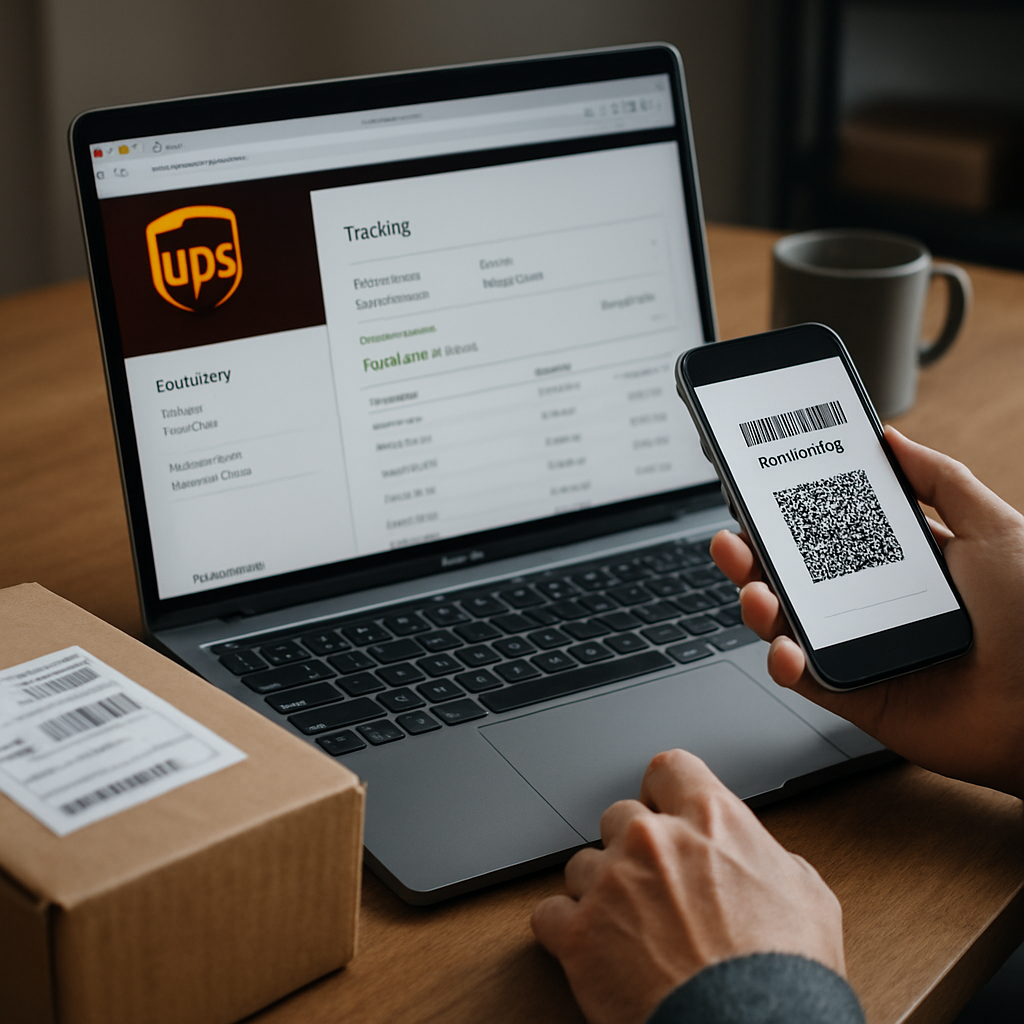
Want fast, reliable updates on your UPS packages and the ability to integrate this data directly into your own platform or client workflow? The UPS API tracking number is your ticket. By tapping into this service, you can pull real-time shipment statuses, handle multiple tracking requests at once, and even streamline your shipping and documentation process—all with a secure, programmatic approach. Here’s what you need to know to get started, plus answers to the most common questions about the UPS API for tracking and shipping integrations.
Does UPS Have a Package Tracking API for Developers?
Absolutely! UPS provides a robust tracking API that allows developers to access the latest status on packages using tracking numbers. This API is part of the UPS developer toolkit, and it’s designed for anyone who wants to automate or enhance their shipping-related systems.
The tracking API delivers real-time shipment details, signatures on delivery, and location history. Whether you’re running an e-commerce store, a multi-warehouse logistics platform, or just want to automate status checks, you’ll find integrating with the UPS tracking API can greatly improve both efficiency and transparency for your shipping process.
With this integration, you aren’t limited to one-off tracking queries. The API also enables batch requests for multiple tracking numbers, making it perfect for high-volume shippers.
How Can You Check the Status of Your UPS API Server or Connection?
To verify if your UPS API integration is running smoothly, you’ll want to set up health and authentication checks for both staging and production endpoints. Always confirm you’re using the correct endpoint—UPS provides distinct URLs for test versus live systems, and mixing them up can cause a lot of confusion or result in outdated information.
Monitor the authorization process; for UPS, you’ll need to regularly refresh your access tokens using your client credentials (these are set up in the UPS admin portal when you create your app). If you receive errors like 401 Unauthorized or repeated timeouts, double-check your credentials and token setup. Handling errors and correctness of parameters (such as tracking numbers and courier codes) is also key. For a breakdown of response codes and errors, the example API documentation is a great technical resource.
If you want to watch for real-time issues, consider building or adopting an admin dashboard that pings your live endpoint regularly, logs issues, and sends alerts if the connection fails or returns unexpected data. This can help you catch problems before they impact your business or your users.
Some developer communities also share insights, scripts, and troubleshooting tips—for example, developers on DEV Community discuss tracking endpoint code in Python and provide strategies to stay on top of connectivity issues.
What Does the UPS API Cost? Is It Free?
Using the UPS API itself is generally free, but there’s a catch: you need a UPS account, and some services may require that your business meets certain shipping thresholds or agreement levels. You’ll need to sign up as a registered developer, then follow onboarding steps to create sandbox and production credentials. Fees may apply for premium features, advanced analytics, or certain volume-based agreements, but core tracking and shipment status calls are typically free for UPS customers.
In short, there are no charges for basic API access or making tracking requests if you have a valid UPS account. But always review the developer agreement and check whether value-added features, high-volume access, or commercial usage entail additional costs.
Third-party platforms or API aggregators may charge their own fees, especially if they combine multiple carrier lookups or provide extended reporting and webhooks. Always read the fine print if you’re using a brokered or multi-carrier platform in addition to direct UPS service.
What Does API Mean in the Context of Shipping and Logistics?
API stands for "Application Programming Interface." In the shipping industry, an API acts as a secure bridge between your business systems and the carrier’s (like UPS). With the UPS tracking API, you can submit tracking numbers digitally, request real-time status, receive proof of delivery (including signature images), and push this data directly into your dashboard, ERP, CRM, or customer notification flows.
This digital automation eliminates the need for manual tracking on UPS.com or waiting for email updates. Instead, your software "talks" directly to UPS, pulls back everything from current location to delivery status, and keeps your users informed without extra effort. To see an overview of core API offerings, you can review how developers build tracking solutions with live code on developer platforms like DEV.
Shipping APIs aren’t exclusive to UPS—you’ll find similar options from FedEx, DHL, and USPS, with some platforms offering aggregated tracking so you can handle multiple couriers with a single integration.
How Do You Request Status for Multiple UPS Tracking Numbers Simultaneously?
If you need to check multiple shipments, UPS’s API allows for batch requests, so you aren’t stuck querying one tracking number at a time. Most APIs have explicit limits (for example, some cap multi-tracking calls to 40 numbers per request) to prevent abuse and manage load.
To send a request for many packages, pass an array or comma-separated list of tracking numbers in your API call (always check the documentation for formatting rules). If there’s an error with a specific number, the API can return code-specific messages—like "4101: Tracking number already exists" or "4120: Invalid courier code"—so you know which items need to be fixed or retried.
This batch approach streamlines large-scale shipping operations or customer service queries, saving time and reducing the effort needed to keep everyone updated. Popular open-source projects provide full endpoint examples for single or bulk lookups—for instance, this GitHub repo includes sample code and error references for integrating UPS bulk tracking.
Some platforms also support webhooks, which can notify your app as tracking statuses change, so you get push-based updates instead of polling repeatedly.
Setting up the UPS API tracking number solution can transform your shipment visibility and efficiency. Whether you're after real-time updates, batch tracking, or streamlined integration with documentation systems like Postman, the right approach will keep your shipments on track and your customers happy every step of the way.