Is UPS "Loaded on Delivery Vehicle" the Same as "Out for Delivery"?
 Import Export
 Does "Loaded on Delivery Vehicle" Mean the Same Thing as "Out for Delivery"?
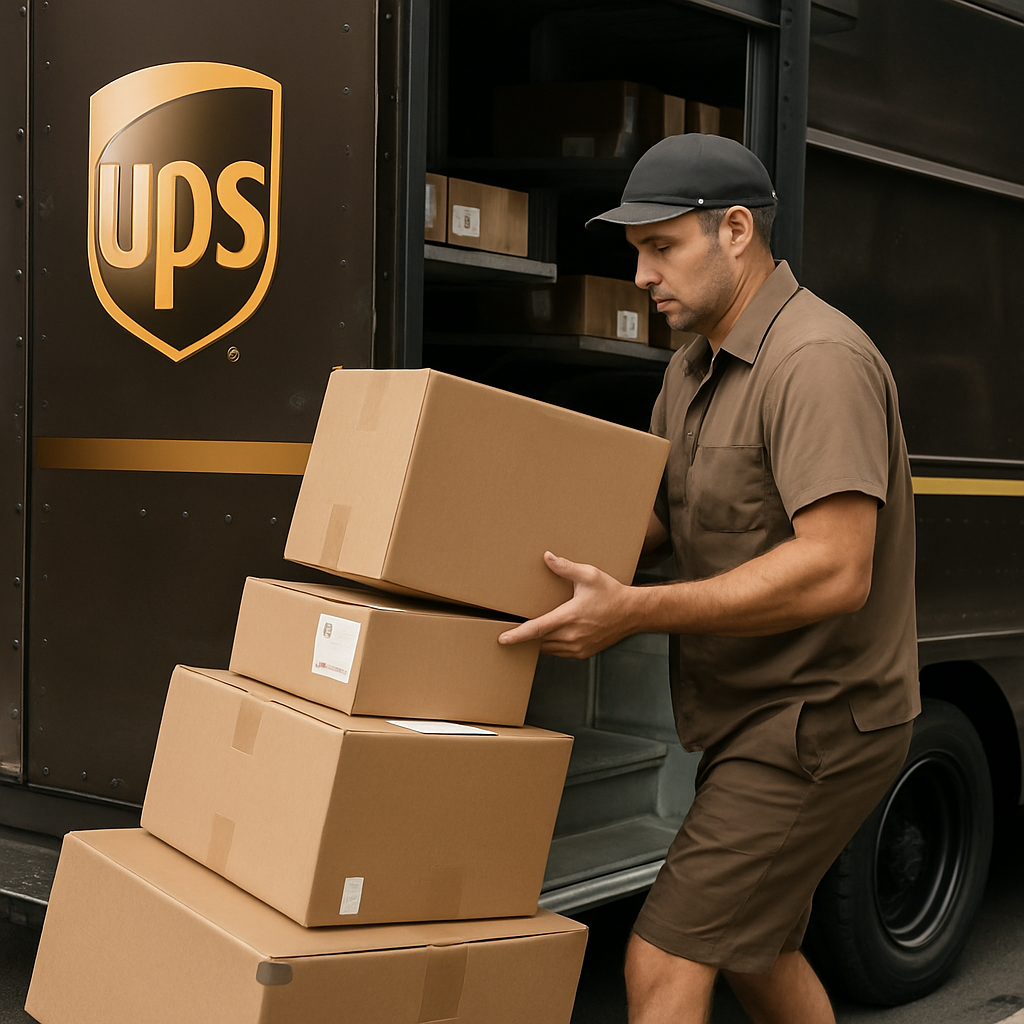
No, these two statuses represent entirely distinct steps in the logistics chain. "Loaded on Delivery Vehicle" simply means warehouse workers placed your box onto the truck, while "Out for Delivery" confirms the driver actually started their daily route.
The truck might sit parked in the dispatch yard for hours before the ignition ever turns over. Sometimes, a package gets scanned and physically shoved into the cargo bay the night before. This early scan frequently tricks people into thinking their item is miles away when it is really sitting cold at the local hub. According to the official UPS guide to understanding tracking statuses, the handoff only becomes active once dispatch clears the vehicle to leave the facility. If you see the loaded status but nothing else, your driver hasn't hit the road yet.
Does "Out for Delivery" Guarantee I Will Receive My Package Today?
In almost all cases, yes, a package officially marked "Out for Delivery" will arrive by the end of the current business day. However, severe traffic, weather events, or mechanical breakdowns can occasionally force the driver back to the depot with undelivered cargo.
Drivers work strictly mapped itineraries. Once your box is rolling, it rarely goes backward. But things absolutely go wrong out on the pavement. A blown tire ruins the math of a delivery route instantly. As highlighted in a fantastic Denver Post investigation deciphering UPS logistics, sometimes a package literally gets stuck inside a truck that simply runs out of time on the driver's legally mandated shift clock. If this rare scenario happens, the system automatically pushes your delivery window to the following morning. Keep watching your tracking feed. The status will update the moment a delay is formally logged.
Can You Track Your UPS Driver Live on the Map?
Yes, you can view the driver's real-time location on a live digital map if you are signed up for the free UPS My Choice program and your package is actively on its way.
This feature takes the guesswork completely out of the equation. Instead of staring out the front window all afternoon, you can literally watch the brown truck inch its way down your street. You must have a registered account to access this tracking tool. To find it, navigate to standard UPS tracking support, log in, and click your incoming shipment. Live tracking activates automatically once the driver begins their route. Just remember, the map isn't perfectly instantaneous. The GPS pings update every few minutes, so the truck might physically be a street or two ahead of the digital icon.
How long do UPS trucks stay out for delivery?
Standard residential UPS deliveries usually occur between 9:00 AM and 7:00 PM. That is the standard operational window for most neighborhood routes. However, heavy package volume, bad weather, or sudden driver shortages often stretch those hours significantly. During peak holiday seasons or unexpected route disruptions, drivers frequently make deliveries as late as 8:00 PM or 9:00 PM. Drivers work up to their strict legal hours-of-service limits to complete their assigned manifests. If local route delays hold up your driver, rest assured they will stay on the road until the cargo is cleared or their time limit expires. The dispatch supervisors monitor their progress closely, meaning a late evening knock on your door remains a strong possibility.
What Happens if UPS Fails to Deliver by 9 PM?
If the clock strikes 9 PM and your package has not arrived, the driver has officially ended their shift, and your delivery will be automatically rescheduled for the next business day.
Drivers hit a hard stop at night. They cannot legally drive past certain hourly limits, regardless of how many boxes sit in the back. When a truck misses the 9 PM deadline, it usually stems from a few specific disruptions:
- Dangerous weather patterns stalling route progression.
- Unforeseen mechanical failures requiring a tow or replacement vehicle.
- Federal DOT limits restricting maximum commercial driving hours.
You do not need to call customer service immediately or panic about a lost box. The local facility just rolls your tracking number onto the very next morning's manifest. Expect an updated "Rescheduled" alert shortly after the driver returns to the terminal.
Understanding the 'Loaded on Delivery Vehicle' Status and Why It Lasts for Hours
If your UPS tracking update says 'loaded on delivery vehicle' for hours or even all day, you are not alone. Many customers see this status on their shipment and wonder what it really means, why their package is not delivered yet, or if something went wrong. The core answer is simple: This status means your package has been scanned and placed onto a UPS vehicle for delivery, but it does not guarantee immediate arrival that same day. While in most cases, delivery does happen before the end of the day, certain operational factors can extend this status for hours or even roll it over to the next delivery day.
The update 'loaded on delivery vehicle' is an automatic tracking system response when a driver scans your order during the vehicle loading process. Sometimes, factors like route delays, volume surges, or weather keep your shipment stored inside the truck for longer than expected. To get a more in-depth explanation, you can reference detailed lists of all possible UPS tracking statuses on the official UPS Tracking Support page.
Loaded on delivery vehicle but not out for delivery
Seeing your package marked as loaded while missing the final delivery status leaves many people scratching their heads. This mismatch usually happens during early morning shifts. Facility workers load parcels onto delivery vans hours before drivers arrive for duty. If a route gets overloaded or a driver hits maximum legal working hours, the truck stays parked at the dock. In other instances, a sudden operational delay prevents the driver from dispatching on schedule. Until the courier physically drives through the hub security gate and triggers the out-for-delivery scan, the parcel remains parked inside the distribution yard. To see how these gaps happen, exploring and understanding tracking status updates provides essential context.
Common Reasons for Extended 'Loaded on Vehicle' Times
Several operational issues and logistical challenges can result in your package showing as 'loaded on delivery vehicle' for many hours or the entire day. First, volume can be exceptionally high on certain days, such as during sales events at big retailers like Best Buy or during the holidays. This increase in the number of packages means the UPS driver has more stops and a longer route.
Second, route planning and fleet adjustments sometimes mean a driver starts the day with packages that cannot all be delivered within one shift due to driver shortages, traffic, or weather disruptions. Interstate deliveries and long-haul urban routes also impact the speed at which shipments can be distributed.
Third, there are instances where your order challenges the delivery route priorities—new driver jobs, unplanned absences, or safety stops can reroute or pause deliveries for several hours, even after packages have left the local facility.
Finally, courtesy holds—where a package is intentionally left in the vehicle to be delivered with another item or due to recipient requests—can extend 'loaded on delivery vehicle' status for more than a day, though this is rare. You can always track real-time progress and check the status in your UPS dashboard or contact support for clarification.
The key takeaway is that delays in the 'loaded' phase are not always negative signs—your package is still in the UPS ecosystem and on its way to you.
How UPS Shipment Scheduling and Driver Assignments Affect Delivery Timelines
UPS delivery scheduling involves an intricate system of order sorting and assigning delivery jobs to drivers each day. When your tracking updates to 'loaded on delivery vehicle,' it reflects a successful handoff from facility staff to the driver. But if route sizes increase—due to events like group strikes, new vacancies, or unexpected demand jumps—delivery speed can decrease.
Driver helpers, new hires, and substitute drivers (sometimes noted in local Reddit threads) can change the efficiency of routes. These job challenges can especially impact major delivery markets like London, Germany, or autonomous vehicle test fleets, which have their own unique logistics problems and solution sizes.
Another influence on timing is the distance between your delivery location and the order's origin. Packages prepared for long-haul or interstate routes might be staged in the delivery vehicle for an extended muhurat (lucky timing or shift start window), resulting in extended loaded times before actual delivery occurs.
On rare occasions, orders that require age verification—such as alcohol shipments—may also remain on the truck longer until a personal handoff or signature is possible. To see real-world timelines and images of this stage, browse the shared photos and work stories on driver and courier forums.
What to Do If Your Package Isn’t Delivered After All Day on the Vehicle
If your status still says 'loaded on delivery vehicle' at the end of delivery hours or for multiple days, you may feel concerned about your lost time or a missed important order. Thankfully, there are several steps you can take:
- First, check for any new tracking updates that clarify whether the vehicle ran out of delivery time or encountered an interstate delay.
- Next, use the official UPS site’s detail-rich explanation of shipping statuses (see here) to confirm if your package has shifted out of the 'loaded' stage or if there’s an exception noted.
- If nothing changes by the following day, contact UPS support directly, providing your tracking number and describing the courtesy delay you noticed.
- Review your original order date—sometimes, Best Buy or other partners may have sent the order for delivery ahead of schedule, causing extended 'loaded' times as part of the scheduled delivery window.
- Finally, if you suspect missed deliveries are a result of a major group strike, interstate weather delay, or national fleet shortage, these external factors may extend timelines for several days, though affected regions usually receive UPS alerts or email warnings in advance.
For additional peace of mind, keep an eye on community discussions and status discussions in real time on trusted boards like Reddit or major fleet forums, as shared work stories and images often reveal how others handle—and resolve—the same shipment delays.
Understanding the nuances of 'UPS loaded on delivery vehicle' status enables you to better manage expectations and act effectively if your delivery takes longer than planned.


2 thoughts on “Is UPS "Loaded on Delivery Vehicle" the Same as "Out for Delivery"?”